Last Updated: October 28, 2026
Quick Summary
Printing services are worth it for most small startups because printed business cards and flyers add a professional, tangible presence that digital assets cannot match. Startups should print only a short list of priority materials, starting with business cards and flyers, and keep early runs small so messaging changes do not waste stock.
- Business cards come first, since every conversation can end with one.
- Order the smallest quantity covering 6 to 12 months of realistic use.
- Digital printing is the default for early-stage business cards and short-run flyers.
- Ask vendors to itemize setup, per-unit, paper, finishing, shipping, and tax costs.
- Request a physical proof or sample pack before approving any full production run.
Table of Contents
- Why Startups Need Printing Services Now
- Startup Marketing Materials Worth Printing First
- Printing Costs for Small Businesses: What to Budget
- How to Design Professional Marketing Flyers
- Print-Ready File Requirements Before You Order
- Choosing a Printing Service: Vendor Checklist
- Ordering Your First Batch at C3 DesignsBiz
- Frequently Asked Questions
Why Startups Need Printing Services Now
Printing services for small startups are often the fastest way to put a professional face on a new business. A founder can build a website in an afternoon, but a stack of well-made business cards and a clean flyer carries weight in a meeting that no link can match.
Printed collateral still does work that digital assets struggle with. It is tangible, it sits on a desk after the meeting ends, and it signals that a company has invested in its identity. A Small Business Administration guidance on marketing for small businesses lays out the broad principle that small firms benefit from consistent, low-cost brand touchpoints, and printed materials are one of the most direct ways to deliver them.
The question for most startups is not whether to print, but what to print first and how to avoid overspending before the business has proven its messaging. Printing services for small startups work best when they are used deliberately, with a short list of priorities rather than a catalog of everything available.
Startup Marketing Materials Worth Printing First
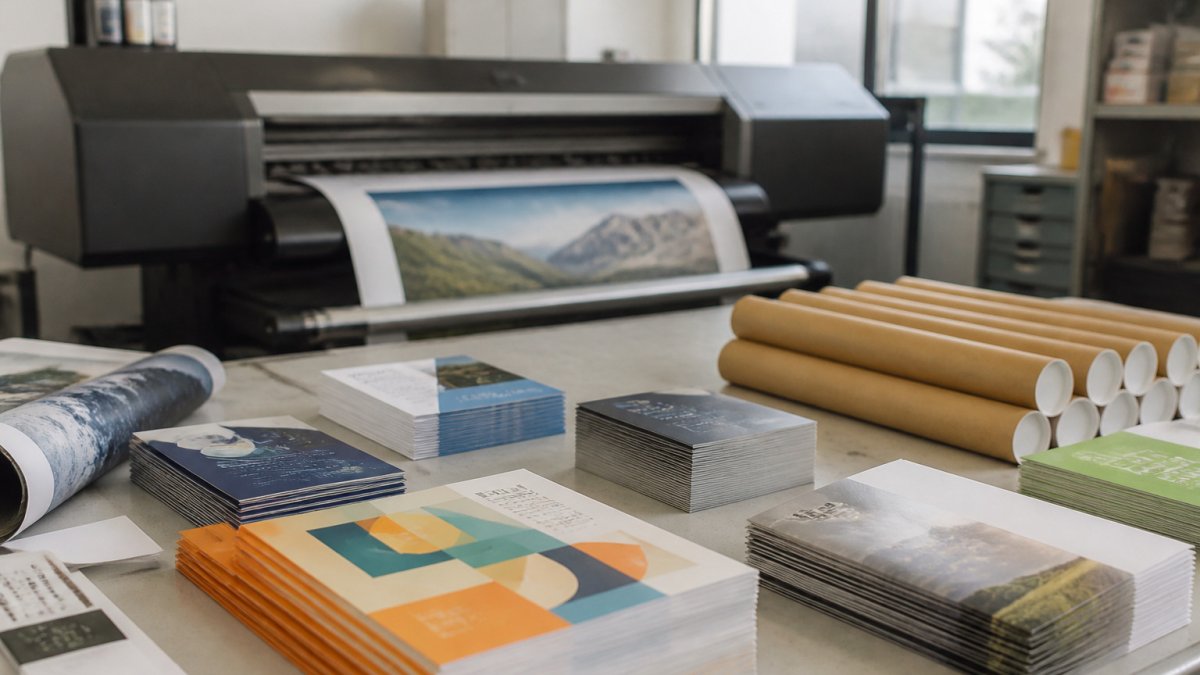
Most early-stage companies need only a small set of materials before they have validated their offer. Business cards come first, because every conversation can end with one. Flyers come next, useful for local events, trade show tables, and storefront or lobby displays.
!Founder reviewing a stack of printed business cards and a flyer at a small desk in a bright startup office 
Beyond those two, the right choice depends on the business. A service firm may find a one-page capabilities sheet more useful than a brochure, while a product company might prioritize hang tags or inserts. Hold off on larger runs of anything that depends on a message still in flux.
Two common mistakes show up again and again. The first is printing a large quantity of a single item to save per-unit cost, then discovering the contact details have changed. The second is designing materials that look good on a monitor but read poorly at print size. Both are avoidable with a small first order and a proof check.
Most early-stage companies need only a small set of materials before they have validated their offer. The table below summarises the priority materials named in the article.
| Material | Priority | Why |
|---|---|---|
| Business cards | First | Every conversation can end with one |
| Flyers | Next | Useful for local events and trade show tables |
| Capabilities sheet | Service firms | Often more useful than a brochure |
| Hang tags or inserts | Product companies | Suited to product-focused businesses |
Printing Costs for Small Businesses: What to Budget
A realistic startup budget separates one-time costs from recurring ones. One-time costs include design or file preparation, a proof, and any die or plate setup. Recurring costs are the per-unit print, paper upgrades, and shipping. When you compare quotes, ask each vendor to break the quote into those categories so you are comparing like with like rather than a single bundled number.
Minimum Order Quantities and Small-Batch Economics
The practical rule most practitioners use is to order the smallest quantity that covers 6 to 12 months of realistic use. If your title, address, or logo is still in flux, a smaller digital run you can replace cheaply beats a larger offset run that becomes obsolete. The per-unit savings from a big run are real, but they are wiped out if half the box is unusable after a rebrand.
When Digital Printing Beats Offset (and Vice Versa)
For most early-stage startups, digital is the default for business cards, short-run flyers, and test batches. Offset becomes worth evaluating once a piece is proven and you are ordering in the thousands.
A Sample Startup Print Budget
- Business cards: one digital short run, standard stock, no specialty finish
- Flyers or one-page sheets: a small digital run for events and meetings
- A proof or sample pack: budget for one physical proof before the full run
- Shipping: confirm whether delivery is included or billed separately
- Contingency: set aside a small reserve for a reprint or rush fee
How to Design Professional Marketing Flyers
A flyer has one job: to make someone remember or act on one message within a few seconds. Start with a single headline that states the offer or purpose, then add only the details a reader needs to take the next step. Contact information, a clear call to action, and a link or QR code cover most startup needs.
Set your layout on a grid, use one or two typefaces, and keep generous margins so the flyer does not look crowded when cut or handled. Choose images that support the message rather than decorating it. Above all, set your color mode for print from the beginning, because colors that look bright on a screen often shift on paper. Understanding how CMYK color mode affects printed colors before you export will prevent many disappointing proofs.
Print-Ready File Requirements Before You Order
Ask your printer which file types it accepts and whether it offers a preflight check. A reputable provider will flag low-resolution images or missing bleed before production begins. Treat that review as part of the order, not an optional extra, since a catch at this stage costs far less than a reprint.
Choosing a Printing Service: Vendor Checklist
- Quote transparency: itemized setup, per-unit, paper, finishing, shipping, and tax
- MOQ fit: a minimum order quantity that matches a small first run
- Turnaround: stated in business days, with rush options and any rush fees disclosed
- Proofing: a physical or digital proof before production, and who approves it
- File review: preflight checks for bleed, resolution, color mode, and fonts
- Reprint policy: what counts as a vendor error and how reprints are handled
- Communication: a named contact reachable by phone or email for changes
- Data handling: how your artwork and customer files are stored and deleted
Service Levels and Turnaround Guarantees
Ask each vendor to put turnaround in writing as a service level: when the clock starts (at proof approval, not at order placement), what counts as a business day, and what happens if the deadline slips. A vendor that guarantees a date but excludes shipping time is not really guaranteeing delivery. For event-driven orders, confirm the ship date and the delivery date separately.
Proofing, Quality Control, and Reprints
A reputable provider builds quality control into the order: a preflight review before production and a proof you approve before the run. Treat proof approval as your responsibility, because most reprint policies cover vendor errors but not approved mistakes. Ask what the vendor's reprint window is and whether it covers color drift, trimming errors, and quantity shortfalls.
Risk Management and Contingency Planning
Ask for a sample or proof when the material matters to your brand. Paper weight and finish are difficult to judge from a product photo, and a sample pack is the cheapest way to catch a mismatch before a full run.
Ordering Your First Batch at C3 DesignsBiz
At C3 DesignsBiz, we provide custom design and printing for business cards, flyers, posters, and vinyl banners.
Frequently Asked Questions
What printing services does a small startup need?
C3 DesignsBiz provides custom design and printing for business cards and flyers, as well as vinyl banners for events. Request a quote from C3 DesignsBiz for current pricing.
How much should a startup budget for printed marketing materials?
Current pricing is available from C3 DesignsBiz by quote.
What should a startup look for in a printing company?
Look for three things: a clear turnaround commitment, a proof step before anything prints, and transparent pricing that shows quantity, material, and shipping. Ask whether the company checks your files for bleed, resolution, and color mode before production, and what happens if a job misses its date. Compare how each provider handles small orders, since a company built for bulk runs may have high minimums. A provider that offers design help is useful if you do not have an in-house designer.
Is it cheaper for a startup to print marketing materials online or locally?
Online printers often have lower unit prices on standard items such as business cards, while local print shops can be faster for urgent or custom jobs and let you review samples in person. The cheaper option depends on what you need: a large run of standard cards favors online ordering, while a same-day sign or a last-minute reprint favors a local shop or a same-day provider. Compare the total cost, including shipping and any rush fee, rather than the sticker price alone. C3 DesignsBiz can quote both standard and same-day options for your project.
What file format and resolution do printers need?
Most printers ask for a PDF with fonts embedded or outlined, a color mode set to CMYK, images at 300 dpi at final print size, and bleed of about 0.125 inch beyond the trim line. Vector files such as AI or EPS are preferred for logos because they scale without losing quality. Large-format signs can often use lower resolution because they are viewed from a distance, but confirm the requirement with your printer. Sending a file that follows these specifications prevents most delays and reprints.
How many business cards should a startup order?
Order enough to cover roughly three to six months of networking, but avoid ordering a large supply before your title, address, or phone number is final. Smaller runs cost more per card but let you update details without waste. If you attend several events a month, a larger run may be more economical. Ask your printer how the price changes at common quantities, such as 250, 500, and 1,000 cards, and request a quote for the quantity that fits your plans.
What marketing materials are most effective for a new business?
The most effective materials are the ones a prospect can keep and act on: a business card with a clear offer, a single-page flyer that explains what you do and who you serve, and a branded banner or table display for events. Use the same logo, colors, and fonts across every piece so the brand stays consistent in print and online. Track which items lead to conversations, then reorder and refine them rather than adding new formats right away.
How can a startup avoid mistakes when ordering printed materials?
Request a physical or digital proof for every order and check spelling, phone numbers, URLs, and colors against your brand standards before approving it. Confirm that text sits inside the safe margin and that bleed is included for full-color designs. Order a small test batch of a new design before committing to a large run. Keep your final files organized so a reprint uses the approved version, and ask your printer how long they keep files on record.
