
Last Updated: October 26, 2026
Quick Summary
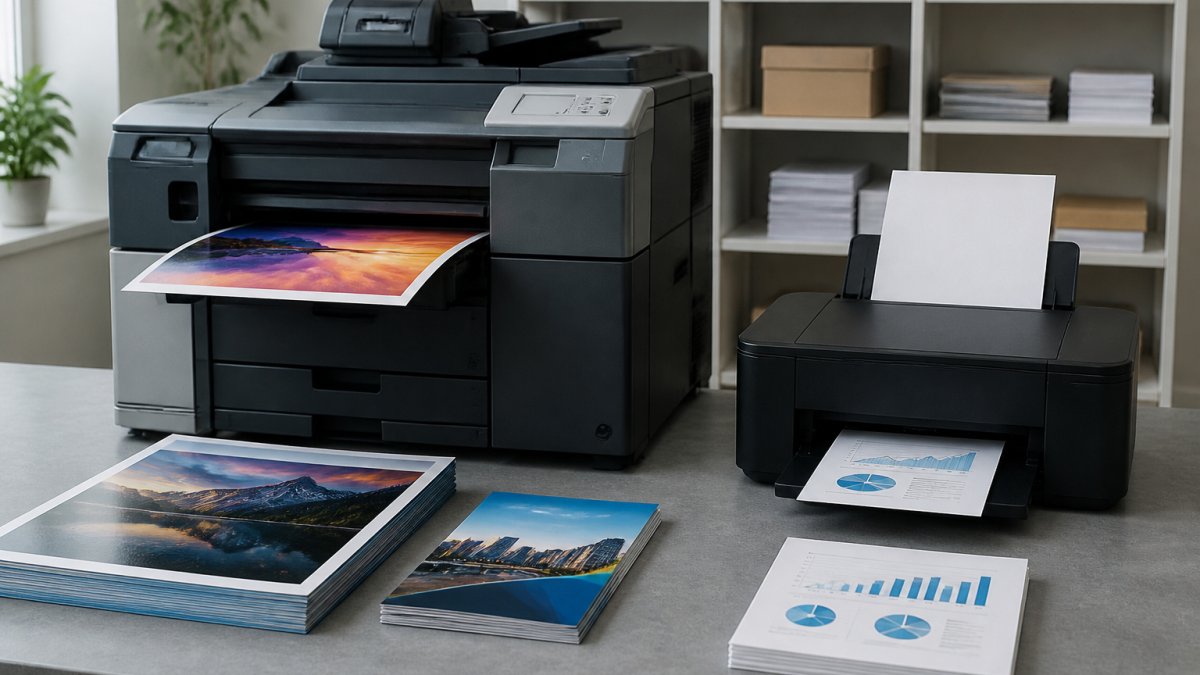
Professional printing vs office printer quality differs fundamentally in precision, resolution, and color management. Professional printing equipment produces sharper text at 2400 DPI or higher, richer colors through CMYK color management, and consistent results across large runs, while office printers at 600-1200 DPI cannot match this quality for client-facing materials.
- Professional printers operate at 2400 DPI or higher versus office printers at 600-1200 DPI, making text edges crisp and details legible.
- Professional printing uses CMYK color mode with color profiles and proofs for consistency, while office printers translate RGB data imprecisely.
- For short runs of internal documents in-house printing usually wins on cost, but moderate to high-volume client-facing work favors professional printing.
- Professional printing includes finishing services like lamination, die-cutting, embossing, and binding that office printers cannot provide.
- Production presses handle thousands of sheets per hour with quality checks, while office printers rated near duty cycle limits experience accelerated wear and spoilage.
Table of Contents
- Print Quality: Professional Printing vs Office Printer
- Understanding Print Resolution DPI Explained
- CMYK Color Mode for Printing and Color Accuracy
- Professional Printing Cost vs Office Printing
- When to Use a Professional Printing Service
- Printer Types and Technologies: Inkjet, Laser, and Production Presses
- Speed, Volume, and Reliability Comparison
- Getting Started with Professional Printing for Your Project
- Frequently Asked Questions
Print Quality: Professional Printing vs Office Printer
The difference between professional printing and office printer quality comes down to precision.
Professional printing equipment produces sharper text, richer colors, and finer detail than office printers. The gap matters most for marketing materials, business cards, or anything that represents your company.
Text and document clarity
Professional printers achieve sharper text through higher resolution and better ink or toner control. Office printers produce acceptable text for internal memos. For client-facing documents, the difference becomes obvious.
Professional printing uses production equipment that applies toner or ink with precision. Text edges stay crisp. Fine details remain legible.
Photo and graphic reproduction
Photos and graphics demand color accuracy and tonal range that office printers struggle to deliver.
Professional printing services use color management systems that ensure consistent results. Graphics look vibrant. Photos retain detail in shadows and highlights. Office printers often produce flat, washed-out images by comparison.
Understanding Print Resolution DPI Explained
Print resolution is measured in dots per inch (DPI). Higher DPI means finer detail and sharper output.
The difference becomes visible at actual size. Text printed at 600 DPI shows jagged edges under magnification.
DPI alone doesn't tell the whole story. Ink or toner quality, paper type, and press calibration all affect final output.
CMYK Color Mode for Printing and Color Accuracy
Professional printing uses CMYK color mode. Office printers use RGB color mode from your screen. This is why your designs look different in print than on your monitor.
CMYK stands for cyan, magenta, yellow, and black, the color model printing presses use. RGB stands for red, green, blue, how screens display color.
When you convert a design from RGB to CMYK for printing, some colors shift. Learn more about what CMYK color mode for printing is and why it matters before sending files to print.
Why office printers struggle with color consistency
Office printers use RGB data directly, translating screen colors into CMYK on the fly.
Professional printers accept CMYK files and print them as specified. No translation happens. No guesswork. The color you see in a CMYK preview is the color you get in print.
Professional color management workflow
Professional printing services use color profiles and proofs. A color profile tells the press exactly how to reproduce each color. A proof shows you what the final print will look like before production begins.
This workflow prevents surprises. If your brand requires a specific blue, the professional printer matches it. Office printers cannot guarantee this consistency.
Professional Printing Cost vs Office Printing
Office printers cost less upfront: a desktop laser runs a few hundred dollars, a workgroup color laser $1,500 to $4,000, while professional production equipment costs tens of thousands to several hundred thousand dollars. But hardware price is the least useful number here. What matters is the total cost per finished, acceptable page, and that flips depending on volume, job type, and how much staff time you count.
The cost components that actually drive the decision
A fair comparison includes every input:
- Equipment and depreciation. An office printer is a sunk cost spread across years of mixed use. A production press is capital equipment whose cost is baked into the per-job price a commercial provider quotes you.
- Consumables. Office toner cartridges are priced for convenience, not efficiency. Production inks and toners are priced for yield, and commercial providers buy at volume.
- Paper and media. Office paper is commodity bond. Professional jobs often use heavier text stock, cover stock, or specialty media that an office printer may not feed reliably.
A simple break-even model you can run yourself
You don't need exact vendor pricing to decide. Build a rough model with your own numbers:
- Estimate your monthly print volume by job type, internal documents, client-facing collateral, and marketing pieces separately.
- Calculate your in-house cost per page as (consumables + paper + labor minutes × loaded rate + spoilage allowance) ÷ acceptable pages produced.
- Get a quote from a commercial provider for the same quantity, stock, and finishing.
- Compare total cost, not unit price. Include your staff time in the in-house figure and delivery time in the outsourced figure.
A common pattern: for short runs of internal documents, in-house wins on convenience and cost. As volume rises and quality requirements tighten, the outsourced per-page cost falls because setup and finishing are amortized across more pieces, while in-house cost per page stays flat or rises with spoilage and labor.
Where the math usually points
- Low volume, internal use, quality-tolerant: in-house office printing is usually cheaper once you ignore labor, and still competitive when you count it.
- Moderate volume, client-facing, brand-sensitive: outsourcing typically wins because consistency and finishing are included, and reprint risk is lower.
- High volume, deadline-driven, multi-piece campaigns: professional printing almost always wins on total cost per acceptable piece, because setup, finishing, and quality control are amortized and spoilage is minimized.
The trap is comparing an office printer's cartridge cost per page to a commercial quote's unit price. Those are not the same measurement. One excludes labor, spoilage, and finishing; the other includes them. Compare like with like, and the decision usually becomes obvious.
When to Use a Professional Printing Service
Professional printing serves specific business needs. Marketing materials, event collateral, and branded merchandise all benefit from professional output. Understanding when to use professional services saves time and money. High-end creative projects often require a nuanced evaluation of giclée versus offset printing to ensure the final medium accurately reflects the intended artistic vision.
Business documents and marketing materials
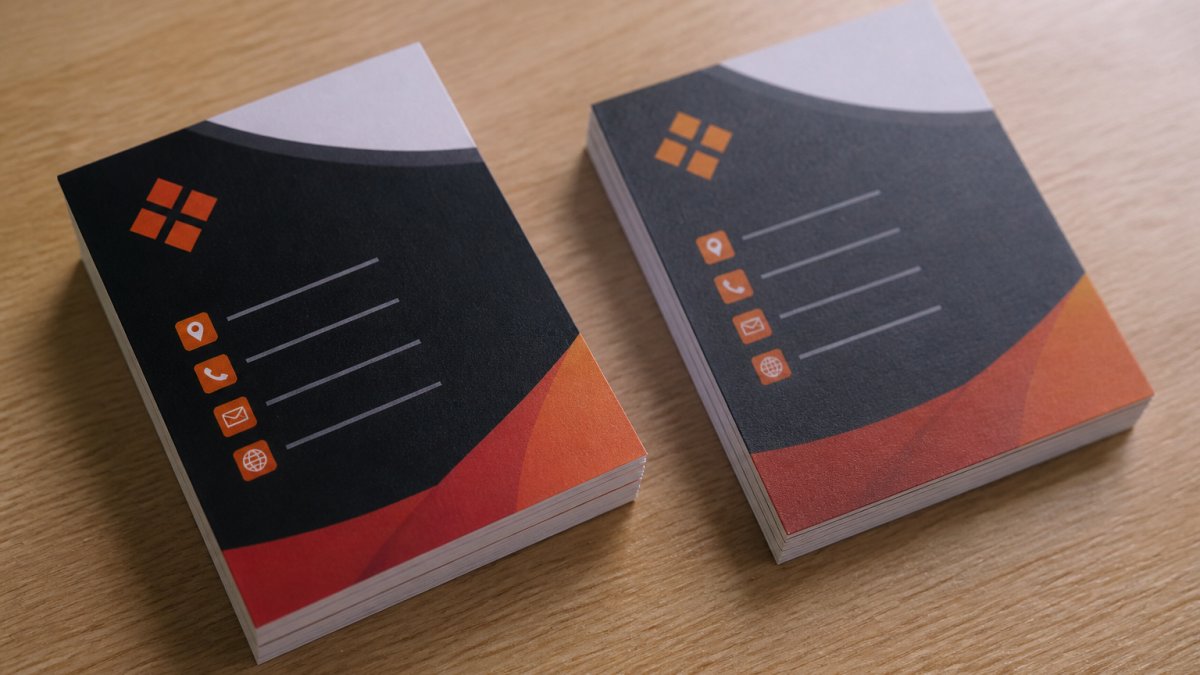
Business cards, letterhead, brochures, and marketing collateral should be professionally printed. These materials represent your brand, and first impressions count.
Professional printing ensures consistency. Every card matches. Every brochure looks the same. Clients notice this attention to detail. Office printing introduces variation that undermines professionalism.
High-volume and time-sensitive projects
Large print runs require professional printing. Printing 5,000 flyers on an office printer takes days. A professional printing service completes the job in hours or overnight.
Time-sensitive projects also benefit from professional services. At C3 DesignsBiz, we handle urgent timelines without sacrificing quality. Browse our products to see the range of services available for your project.
Finishing and specialty capabilities
Professional printing includes finishing services that office printers cannot provide. Lamination, die-cutting, embossing, and binding are standard. Specialty materials like metallic paper, textured stock, and thick cardstock are available.
These capabilities transform standard prints into premium products. A laminated business card feels different than a standard card. Embossed letterhead makes a stronger impression.
Printer Types and Technologies: Inkjet, Laser, and Production Presses
Different printer types serve different purposes. Understanding the technology helps you choose the right tool for your job.
Inkjet technology for color and photo quality
Inkjet printers spray liquid ink onto paper. They excel at color reproduction and photo quality. Office inkjet printers produce good results for color documents.
Inkjet printers are slower than laser printers. They require more maintenance. But they deliver color quality that laser printers struggle to match.
Laser and LED technology for text and speed
Laser and LED printers fuse toner to paper using heat, producing sharp text and high-speed output.
Laser and LED printers excel at text and graphics. Color laser printers exist, but they prioritize speed over color accuracy. For business documents that need fast turnaround, laser technology wins.
Production presses for large-volume output
Production presses are the highest tier of printing equipment, combining the color quality of professional inkjet with the speed of laser technology.
Production presses use advanced color management and quality control. Every sheet meets specifications.
Different printing technologies serve different purposes and deliver different results.
| Technology | Best For | Key Difference |
|---|---|---|
| Inkjet | Color and photo quality | Sprays liquid ink; slower but excellent color reproduction |
| Laser and LED | Text and speed | Fuses toner with heat; fast and reliable for documents |
| Production presses | Large-volume output | Combines color quality with speed; handles thousands per hour |
Speed, Volume, and Reliability Comparison
Office printers and professional printing services differ less on raw speed than on what happens when speed meets volume, deadlines, and quality requirements. A workgroup laser rated at 40 pages per minute looks fast until you need 2,000 collated, folded, and trimmed brochures by Thursday.
Pages per minute versus finished pieces per hour
Office printers are rated in pages per minute for simple, single-sided documents. Professional equipment is better understood in finished pieces per hour, because the press is only one step in a production line that includes collation, folding, trimming, binding, and quality checks.
- Office printers: roughly 20 to 40 pages per minute for text documents; color and heavy stock slow them considerably, and duplexing, collating, and manual reloading add time that the spec sheet ignores.
- Professional production equipment: rated far higher, but the meaningful number is throughput of finished, acceptable pieces, including setup, proofing, and finishing.
The practical difference: an office printer's rated speed assumes ideal conditions. A commercial provider's throughput assumes real jobs with real finishing.
Duty cycle and the cost of running near the limit
Monthly duty cycle is the volume a printer is engineered to handle. Office printers are typically rated for thousands to tens of thousands of pages per month; production equipment for hundreds of thousands to millions. Running an office printer near its duty cycle accelerates wear, increases jams and misfeeds, and shortens equipment life, costs that do not appear on the spec sheet but do appear in your budget.
Reliability, uptime, and what downtime really costs
Office printers fail in predictable ways: paper jams, toner streaks, feed roller wear, and color drift. When the only printer in the office is down, work stops.
Professional providers maintain equipment on a schedule, keep backup capacity, and build quality checks into the workflow.
Decision thresholds by job type and volume
Use these practical thresholds as a starting point, then adjust for your own costs and deadlines:
- Internal reports and memos, under a few hundred pages per month: office printing is usually the right call. Speed is adequate, quality is sufficient, and convenience wins.
- Client-facing documents and presentations, dozens to low hundreds of pieces: compare total cost including labor and finishing. If the piece must look consistent across every copy, lean toward professional printing.
- Marketing collateral, brochures, and direct mail, hundreds to thousands of pieces: professional printing is usually the clear choice on total cost, consistency, and finishing.
Quality assurance and reprint risk
The reliability question is not only whether equipment runs, it is whether the output is right the first time. Professional workflows include proof approval before production, batch consistency checks, and defined handling of defects. Office printing has no proofing step beyond printing a sample and hoping the rest match.
Getting Started with Professional Printing for Your Project
Ready to move forward with professional printing for your project? The process starts with understanding your needs and finding the right partner.
Professional printing delivers quality that office printers cannot match. The investment makes sense for business materials, large quantities, and time-sensitive projects. When your brand reputation depends on how materials look, professional printing is the right choice.
C3 DesignsBiz specializes in fast, same-day custom design and printing for marketing materials, business cards, flyers, posters, and vinyl banners. Our team handles urgent timelines without compromising quality. Request a custom quote for your specific project, quantities, and deadline.
Frequently Asked Questions
Why do professional prints look different from office prints?
Professional printing services use production-grade equipment, calibrated color management, and higher resolution to produce sharper text, more accurate colors, and better detail reproduction. Office printers prioritize speed and affordability over output consistency. Professional services also use premium paper stocks and finishing techniques that office equipment cannot match, resulting in visibly superior quality for marketing materials, business cards, and presentations.
Can an office printer print accurate CMYK colors?
Most office printers use RGB color mode or simplified CMYK approximations, which limits color accuracy compared to professional printing. Professional services use true CMYK color mode for printing with color management workflows that ensure consistent, accurate color reproduction across batches. If your brand requires precise color matching for business identity, professional printing delivers measurably better results than office equipment.
When should I use a professional printing service instead of an office printer?
Use professional printing when you need high-quality output for client-facing materials, large volumes, fast turnaround on urgent deadlines, or specialty finishing like embossing or die-cutting. Professional services also make sense for photo prints, brochures, and event materials where quality directly affects your brand perception. For routine internal documents or low-volume drafts, an office printer is practical and cost-effective.
Is professional printing cheaper than printing in an office?
For small quantities, office printing appears cheaper because you own the equipment. However, professional printing cost vs office printing favors services at higher volumes due to per-page economies of scale, no consumables waste, and eliminated downtime. Calculate your total cost per page including ink, paper, and maintenance; most businesses find professional printing more economical for anything beyond occasional use, especially for specialty products or fast turnaround.
Professional printing transforms your materials from acceptable to exceptional. The difference is worth it when it matters.
